

Setting up an API User
Create an API Role
Section titled “Create an API Role”-
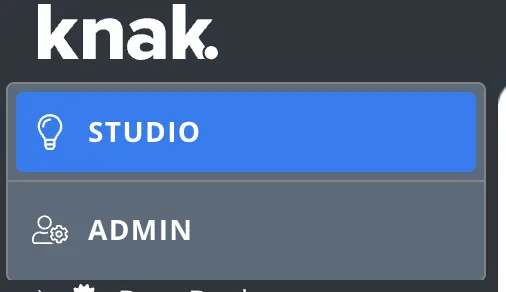
Open Knak Builder and navigate to Admin (top left button).
-
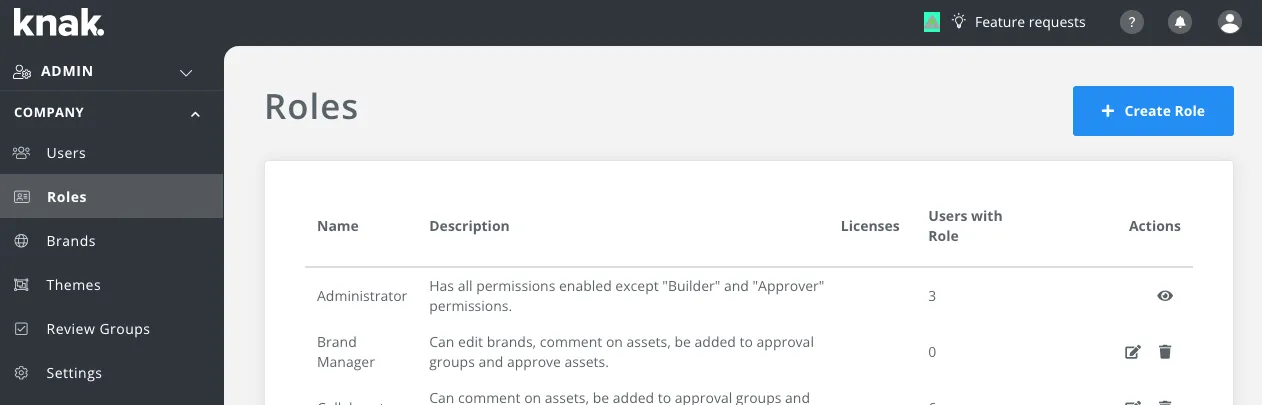
Navigate to Company > Roles > + Create Role
-
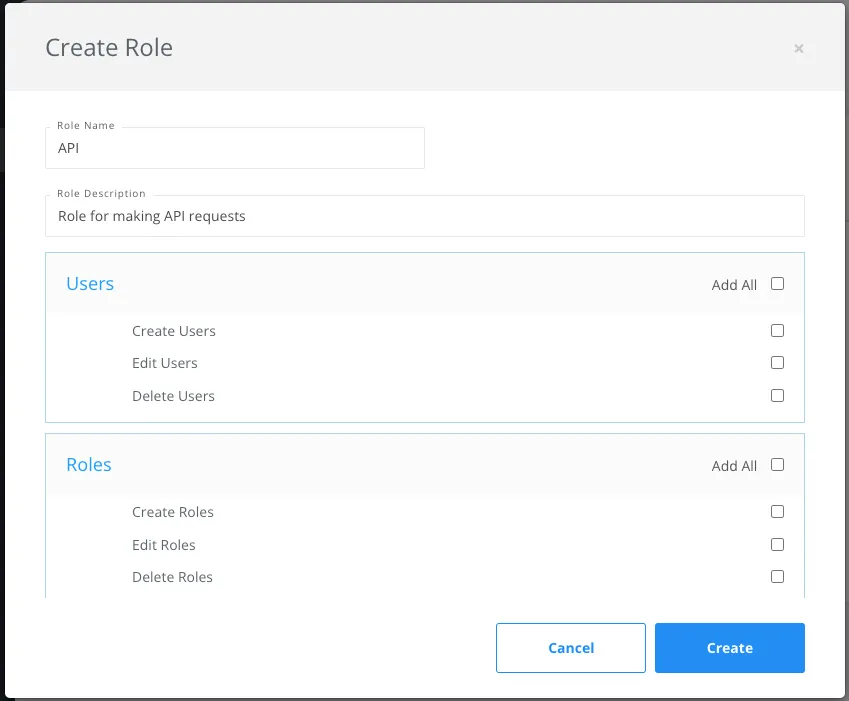
Add the Can Manage API Tokens permission, along with any other permissions that are required for your specific use case.
-
Click Create
Create an API User
Section titled “Create an API User”-
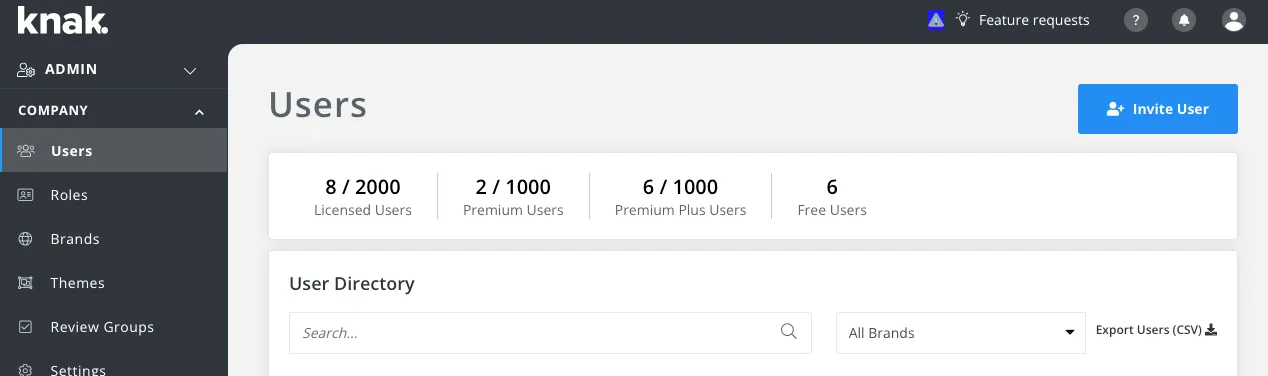
Navigate to Company > Users > Invite User
-
Enter an Email, First name and Last name. You can use
+in the email address (e.g.youremail+api@domain.com)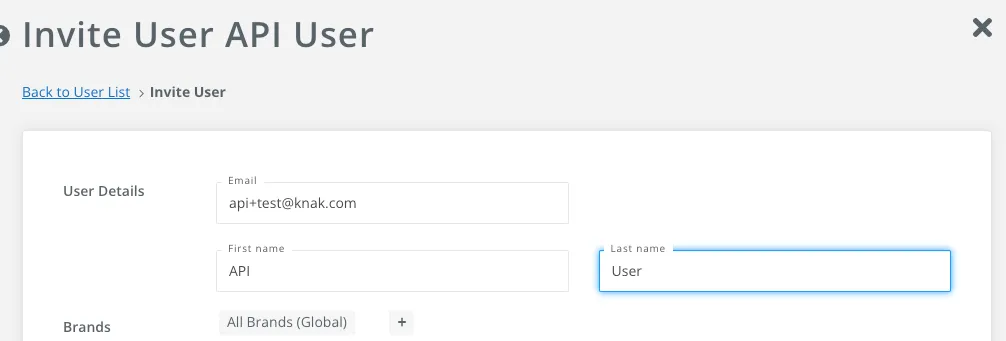
-
In Select Roles, choose the role created earlier

-
Click Save User and Send Invite

More info here: Add/Remove Users
Authentication
Section titled “Authentication”To allow your platform to access data in Knak, we recommend using a permanent API key. Use the API User created earlier. Generate your key here: https://enterprise.knak.io/account/api-access
Learn how to use API tokens in requests: Authentication Documentation